Screenshots

Screenshots

Full-page captures, PDFs, annotation and redaction — and why captures break.

Articles in Screenshots

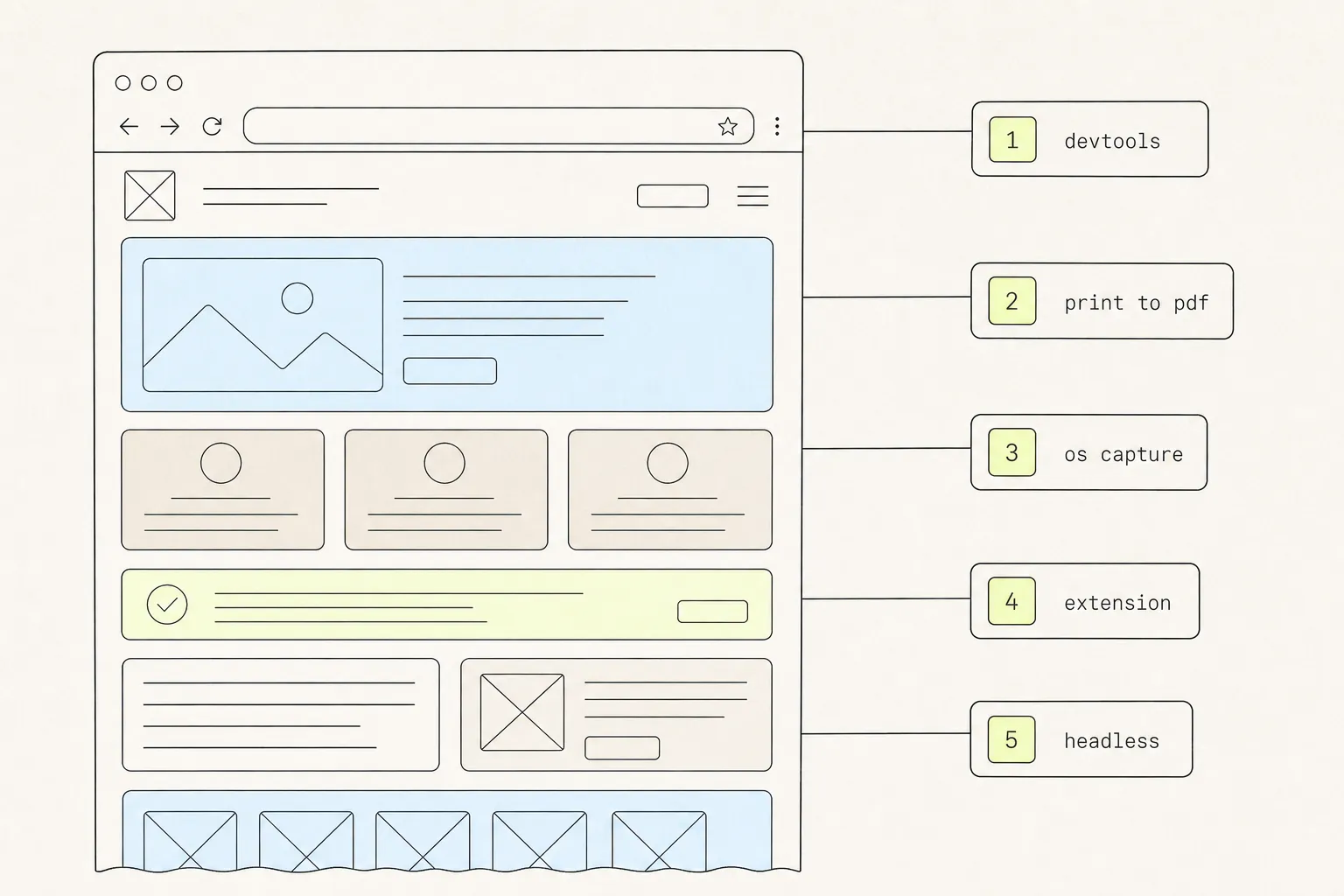
A browser window with a long page beside five numbered method chips labelled DevTools, print to PDF, OS capture, extension and headless.
Screenshots

9 min read

How to Take a Full-Page Screenshot in Chrome: 5 Methods, Tested

Chrome will capture an entire scrolling page without any extension at all. It just hides the command, and gives up on pages past a certain height. Here are five routes and where each one stops working.
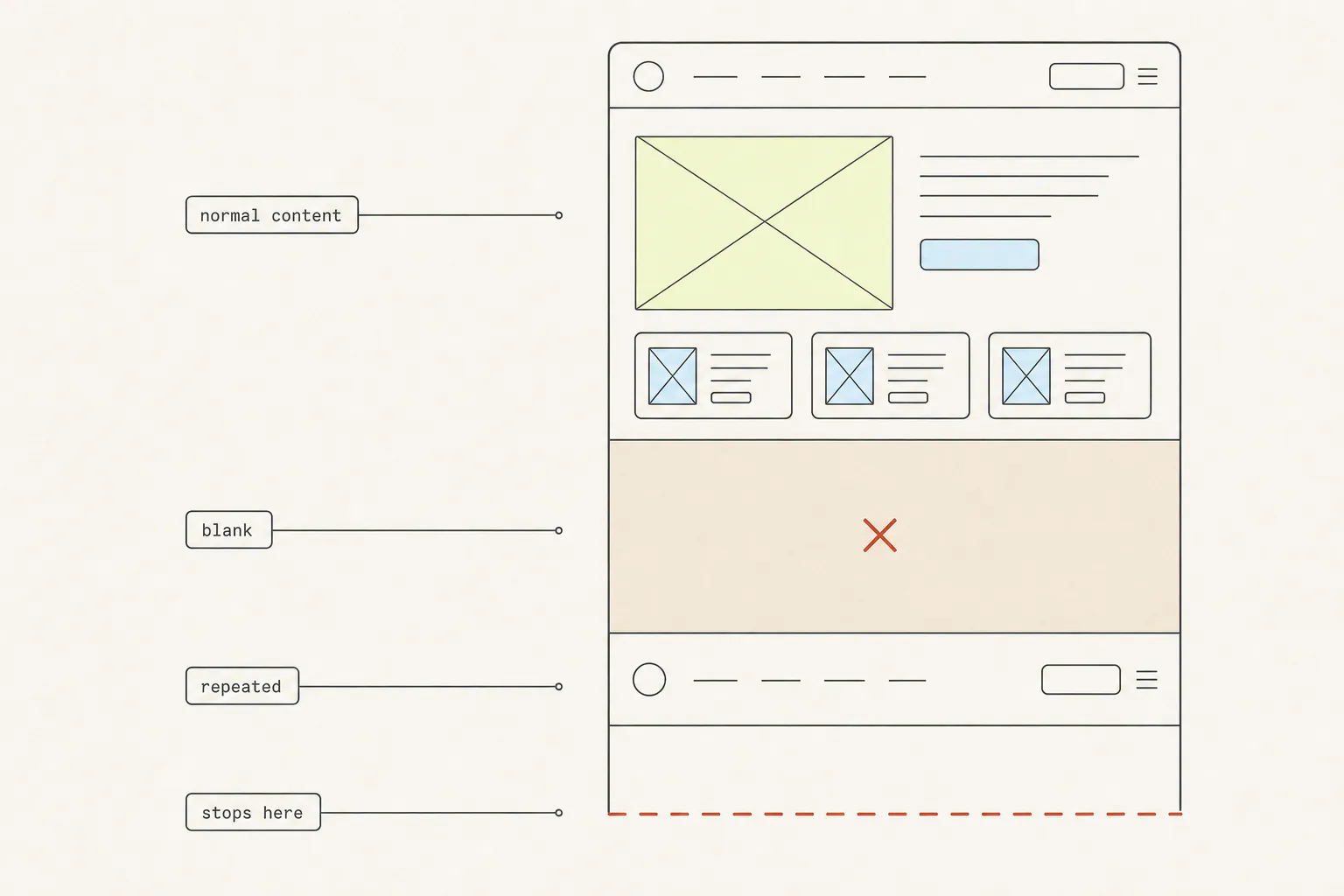
A tall screenshot in four bands: normal content, a blank band, a repeated navigation bar, and a band cut off by a red line.
Screenshots

11 min read

Why Your Full-Page Screenshot Is Missing Content

You captured the whole page and got holes in it. Every one of those holes has a specific technical cause, and four of the five are fixable in about ten seconds once you know which one you are looking at.

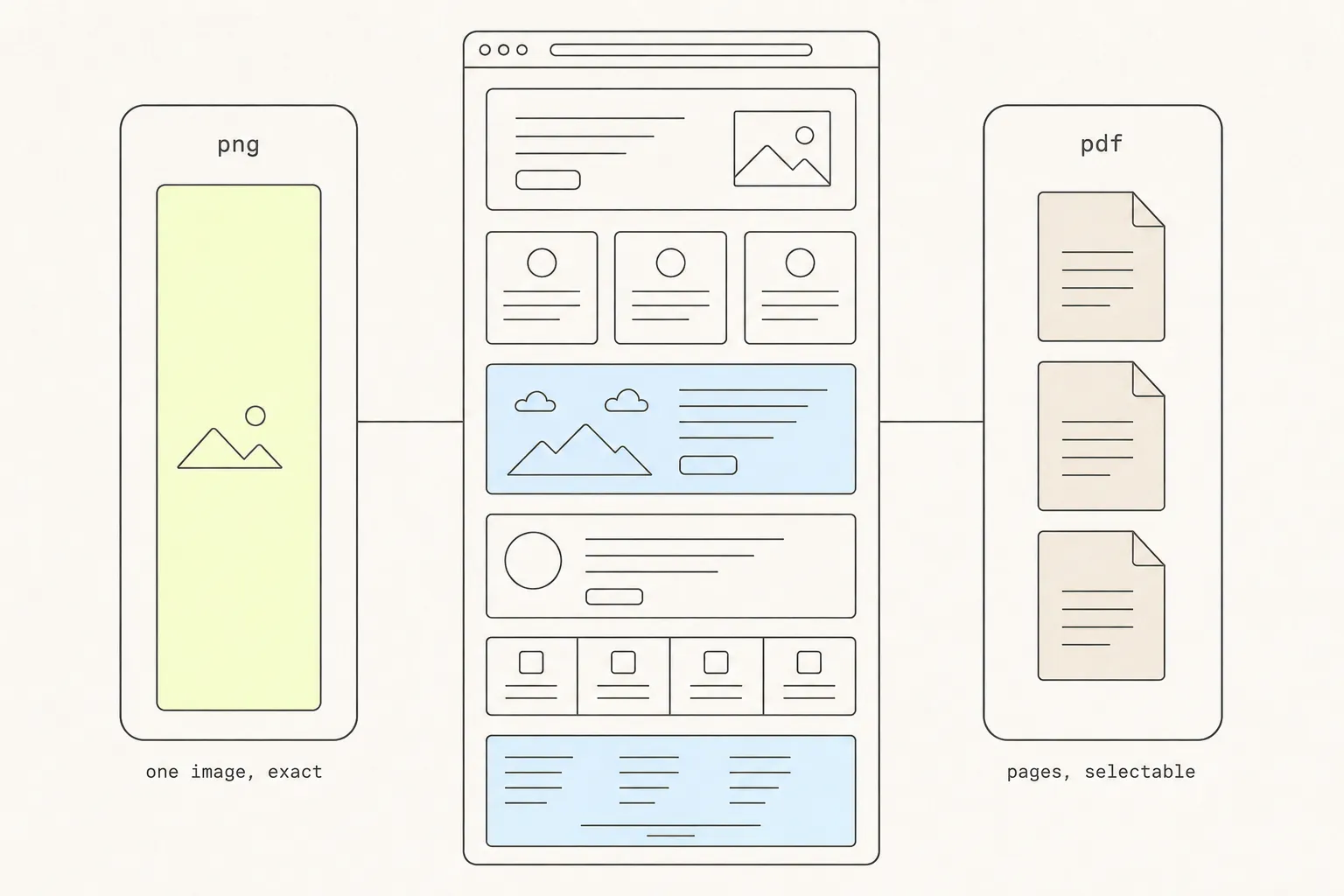
A web page in the centre branching left to a PNG panel holding one tall continuous image and right to a PDF panel holding three stacked pages.
Screenshots

8 min read

Save a Web Page as PNG or PDF? How to Choose

Both routes end in a file, and one of them is a picture wearing a document’s file extension. Knowing which you have determines whether anyone can search it, sign it, or print it.

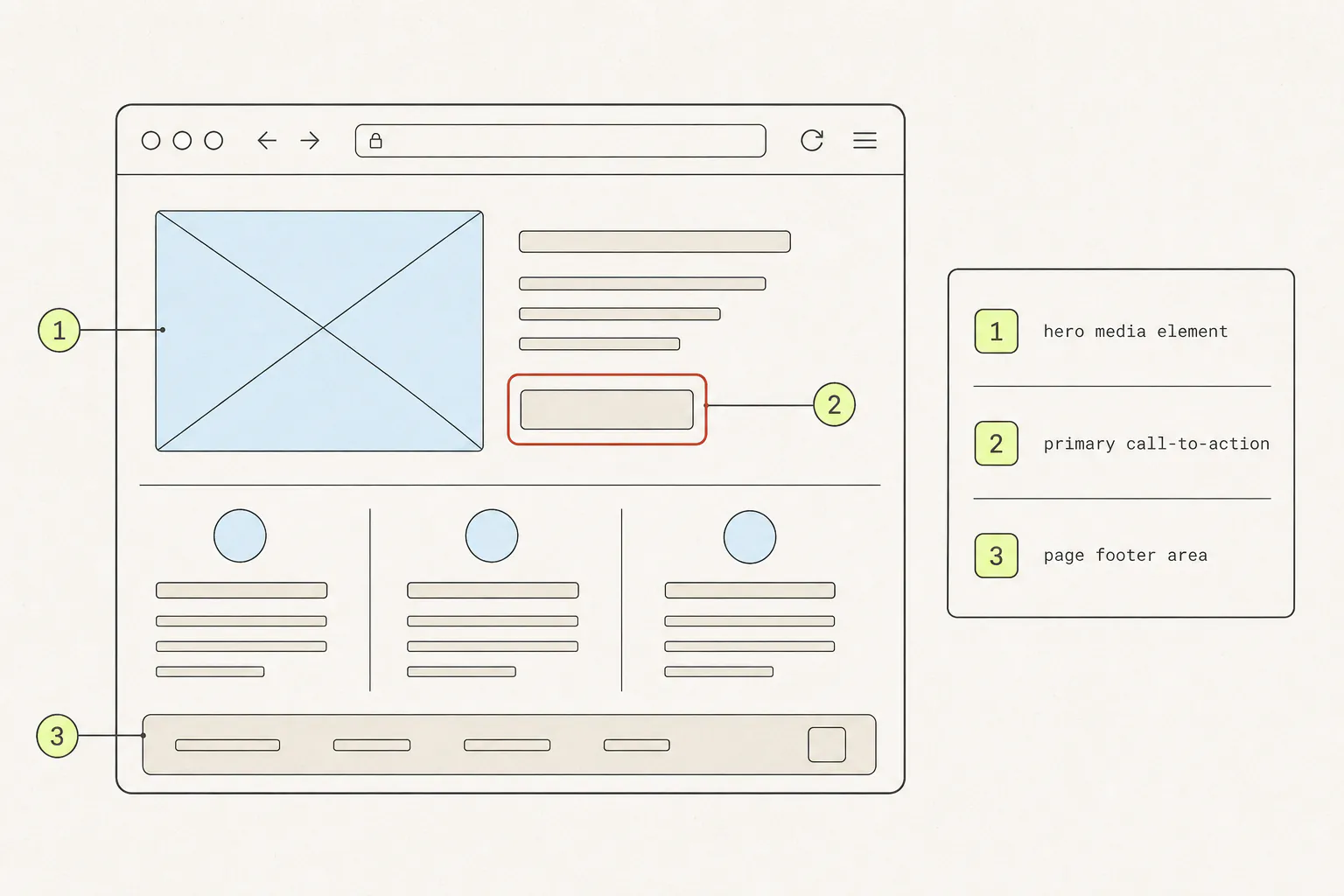
A browser window with three numbered lime callout markers on different elements, a red highlight ring around a button, and a numbered legend panel beside it.
Screenshots

9 min read

How to Annotate a Website Screenshot So Feedback Lands

Most screenshot feedback fails not because the arrow was badly drawn, but because the image did not say which thing, in what state, at what width. Here is the craft of it.

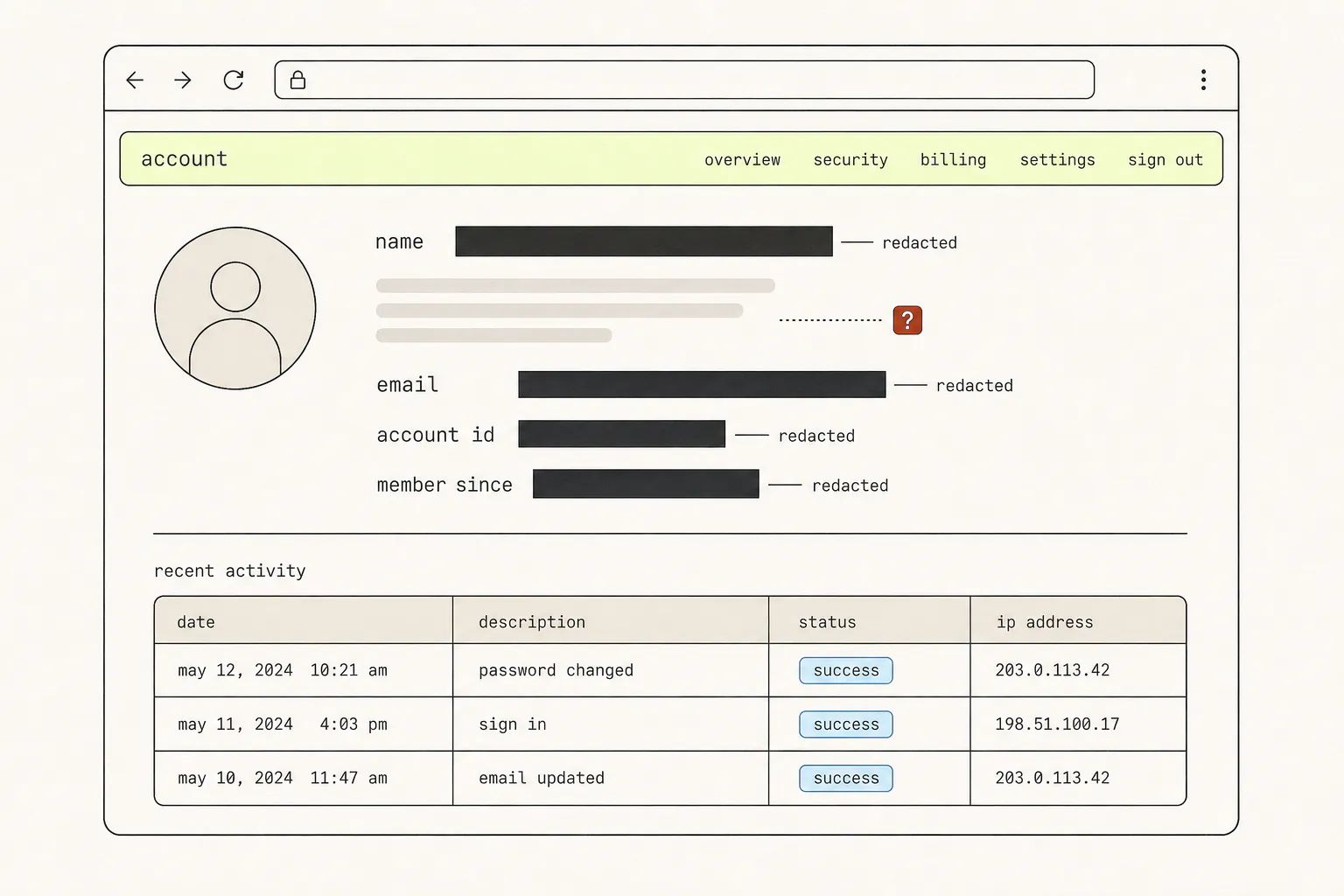
A browser window showing an account page with four solid ink rectangles covering text lines and one region shown as soft grey bands marked with a red question mark.
Screenshots

9 min read

How to Blur Sensitive Information in a Screenshot — Safely

The blur tool feels like deletion. It is closer to rearrangement — the information is still in the file, just harder to read. Here is what to cover, and how to cover it so it stays covered.

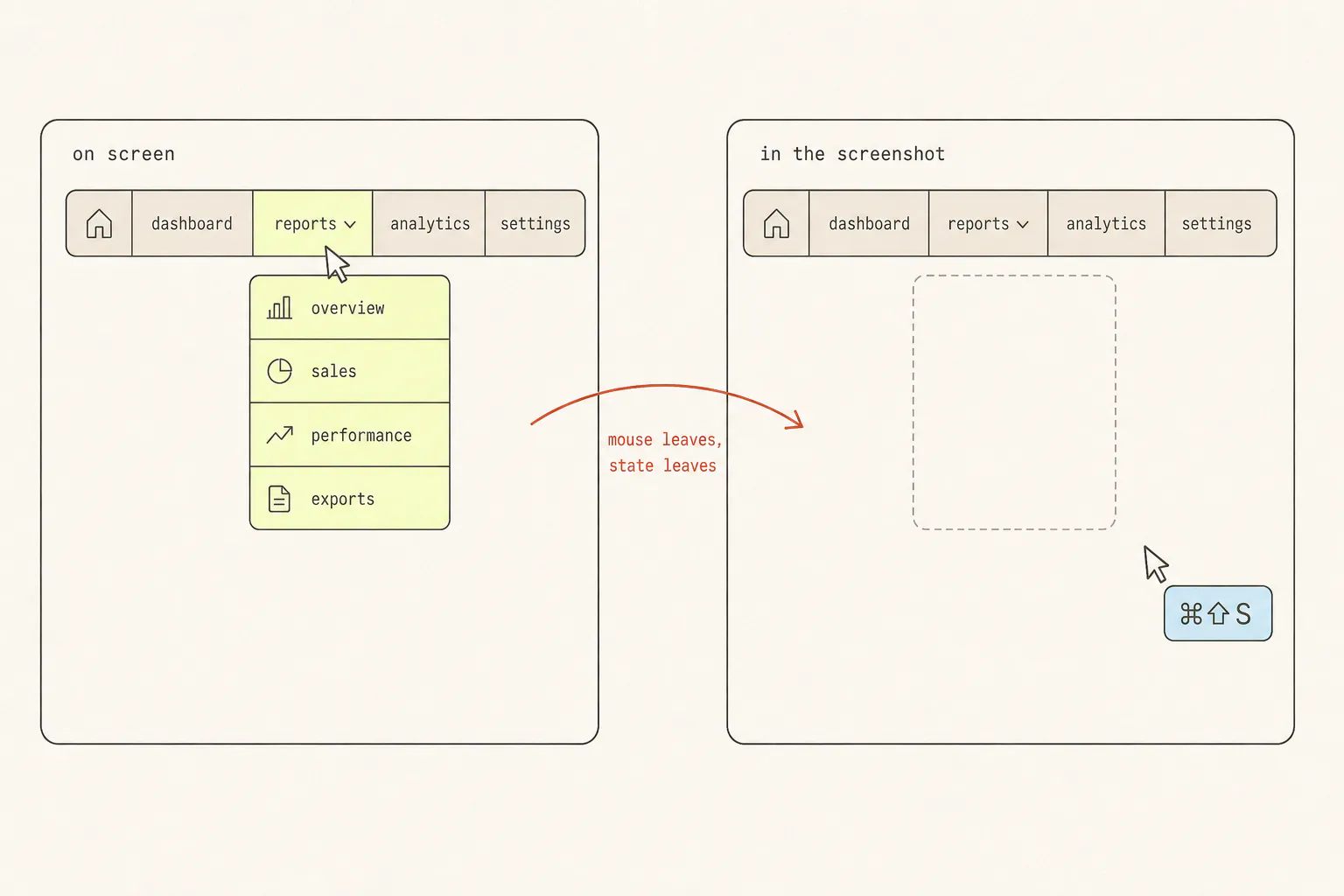
Two panels: a navigation bar with an open dropdown under a cursor, and the same bar with the cursor moved to a keyboard shortcut and the dropdown gone.
Screenshots

8 min read

How to Screenshot a Hover State, Dropdown, or Animation

Transient UI is the one thing a screenshot key cannot photograph, because taking the screenshot is what destroys it. Three escalating answers, from a checkbox in DevTools to not screenshotting at all.